

Description
iPhone Mobile App Printing
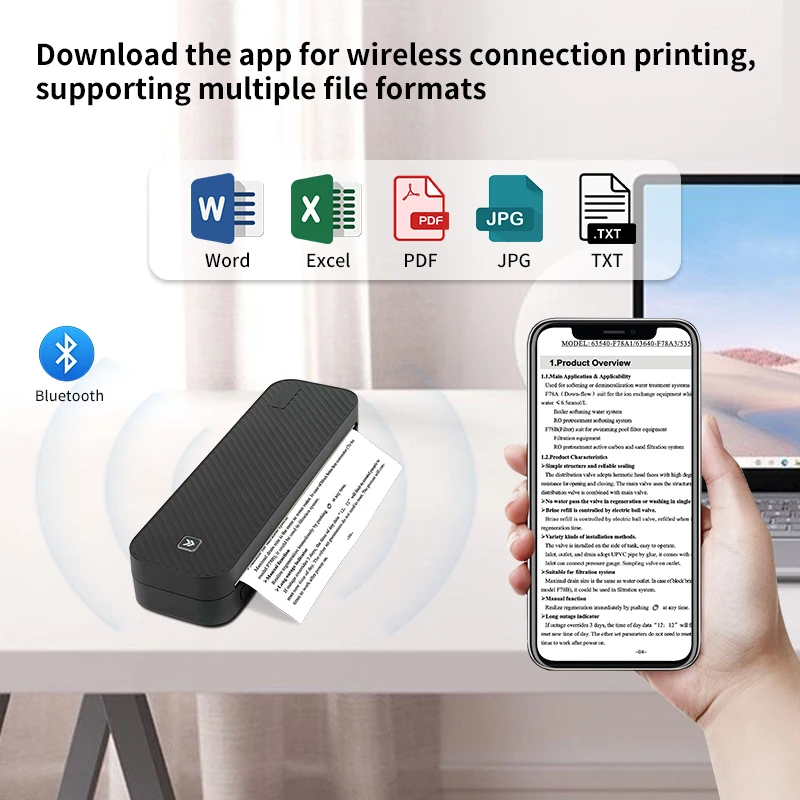
·Step 1: Press and hold the power button for 2 seconds to turn on the printer.
·Step 2: Search 【EasyPrint】and download App in the mobile app store.
·Step 3: Open the App,and search for the connected printer according to the prompts in the App.
Or double click the power button to print the QR code, and scan the code with the App to
connect to the printer. (Tips: Don't connect printer in the mobile phone Bluetooth settings.)
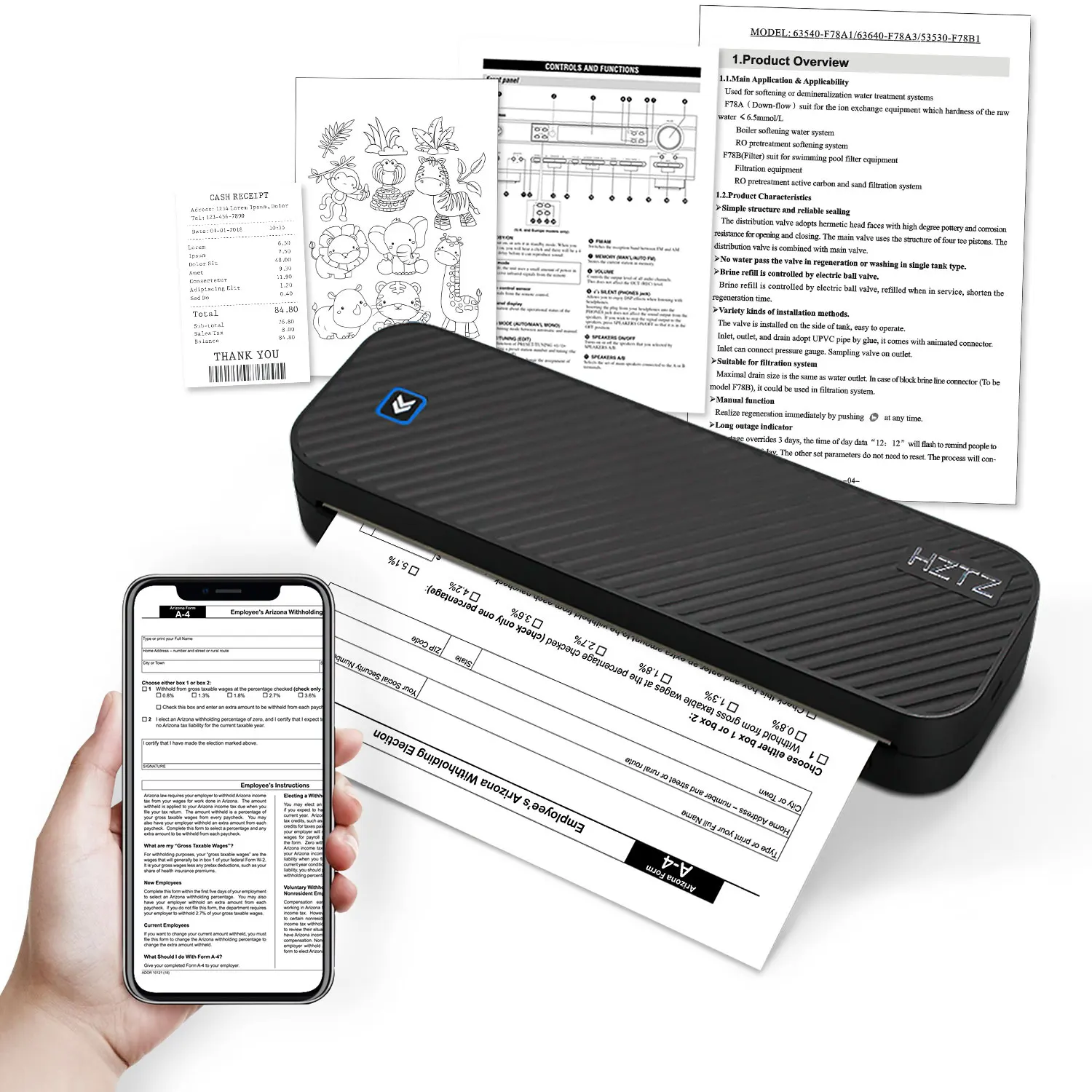
·Step 4: Select and edit the content to be printed in the App,confirm and print.
App download:Find ” EasyPrint “on Google Play Or App Store.

Computer Printing
·Step 1: Press and hold the power button for 2 seconds to turn on the printer.
·Step 2: Connect the printer to computer with the original UsB cable.
·Step 3: Visit the official website//g zhztz.com/en/to download and install printer driver.
·Step 4: When printing the required documents, select the printer to print.





Reviews
There are no reviews yet.